
Website themesA website that looks like your club
Eight themes, and every one works for every sport. Pick one and your whole site changes. Your own colours stay, unless you'd rather use the theme's.
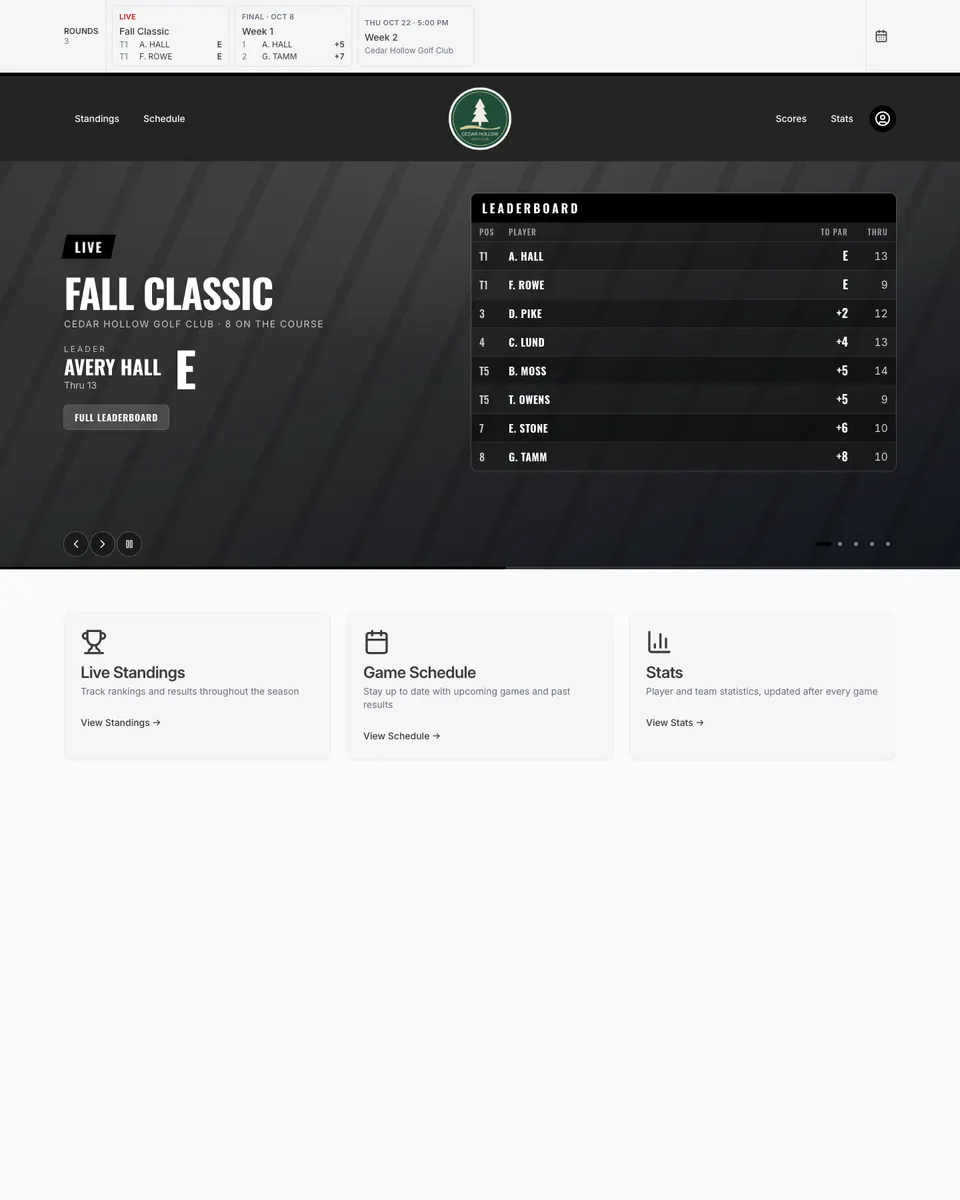
Classic
Clean and simple in your league's colours. The look every site starts with.
Shown on a golf league.
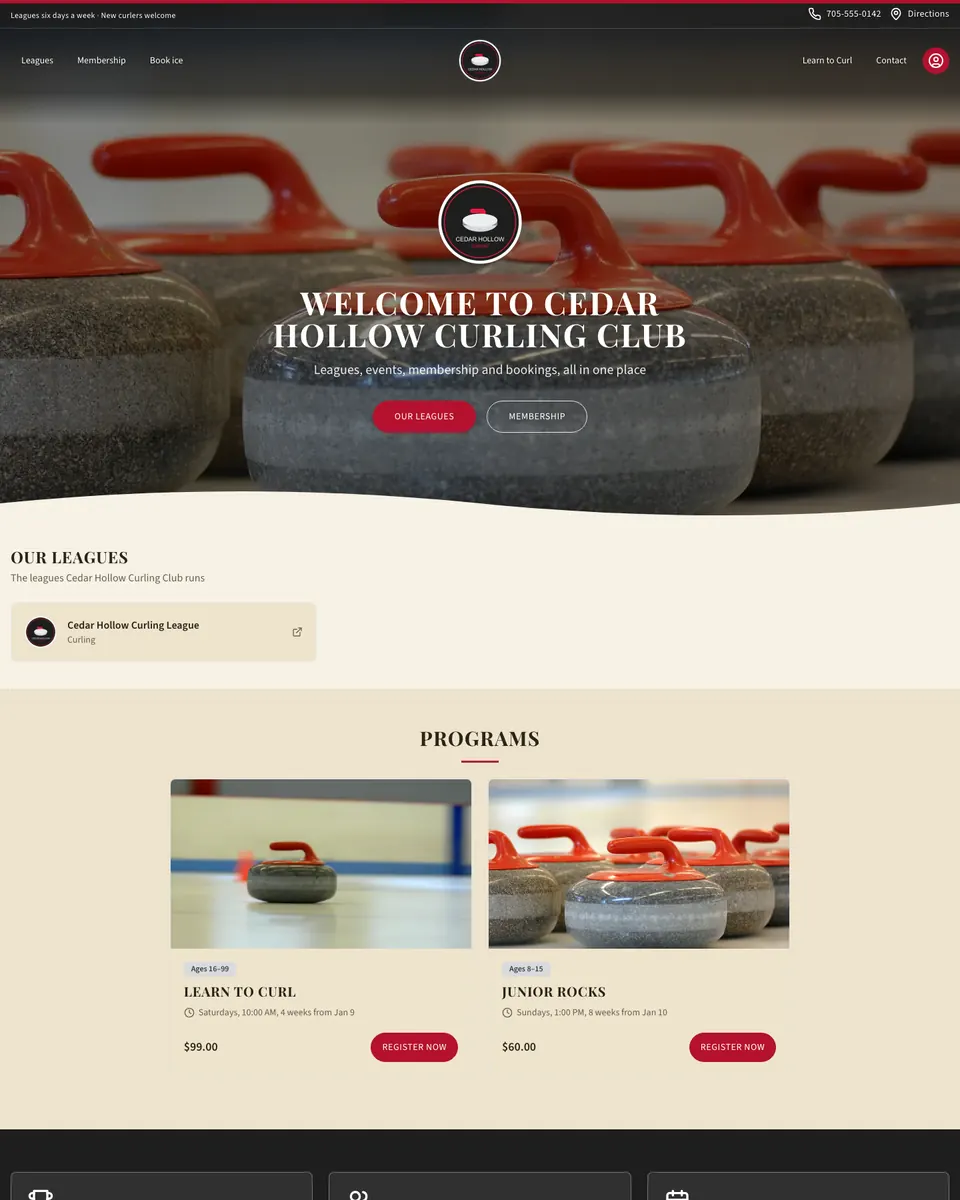
Heritage
Old-club tradition: serif capitals, cream and gold, rounded buttons and framed photos.
Shown on a curling club.
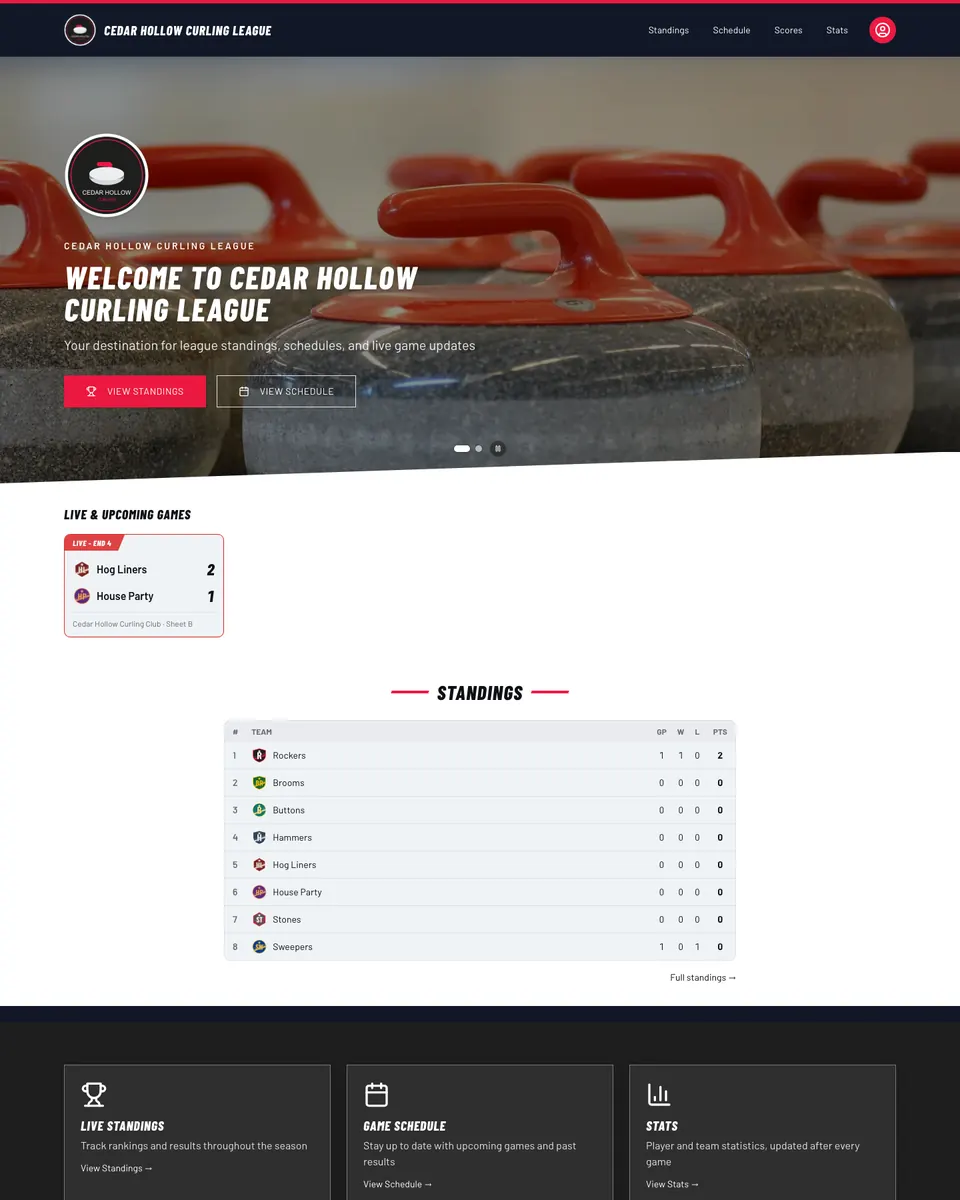
Arena
Pro-league broadcast: bold italic headlines, sharp corners, dark header and footer.
Shown on a curling league.
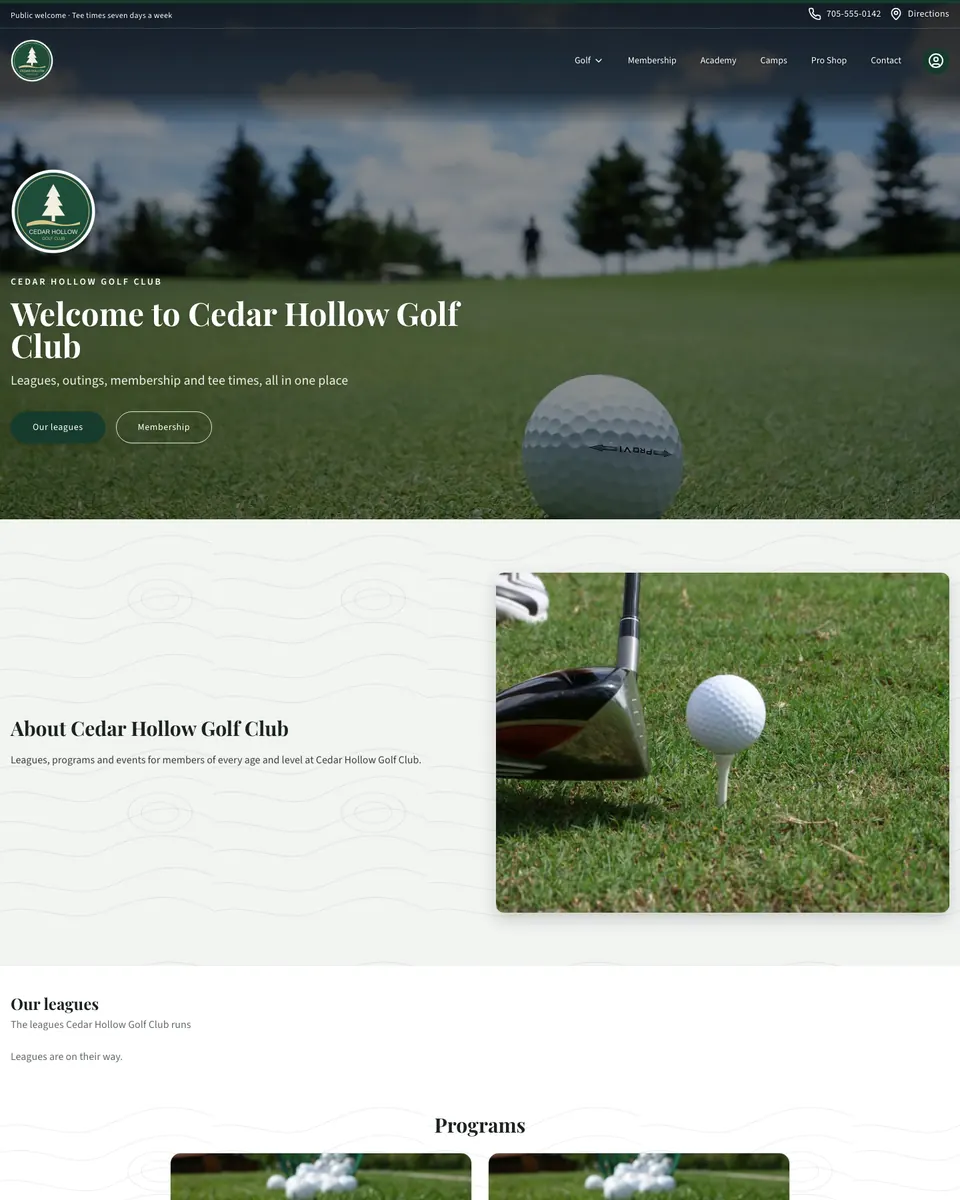
Contour
Editorial and calm: serif headlines, rounded cards and photos, topographic lines.
Shown on a golf club.
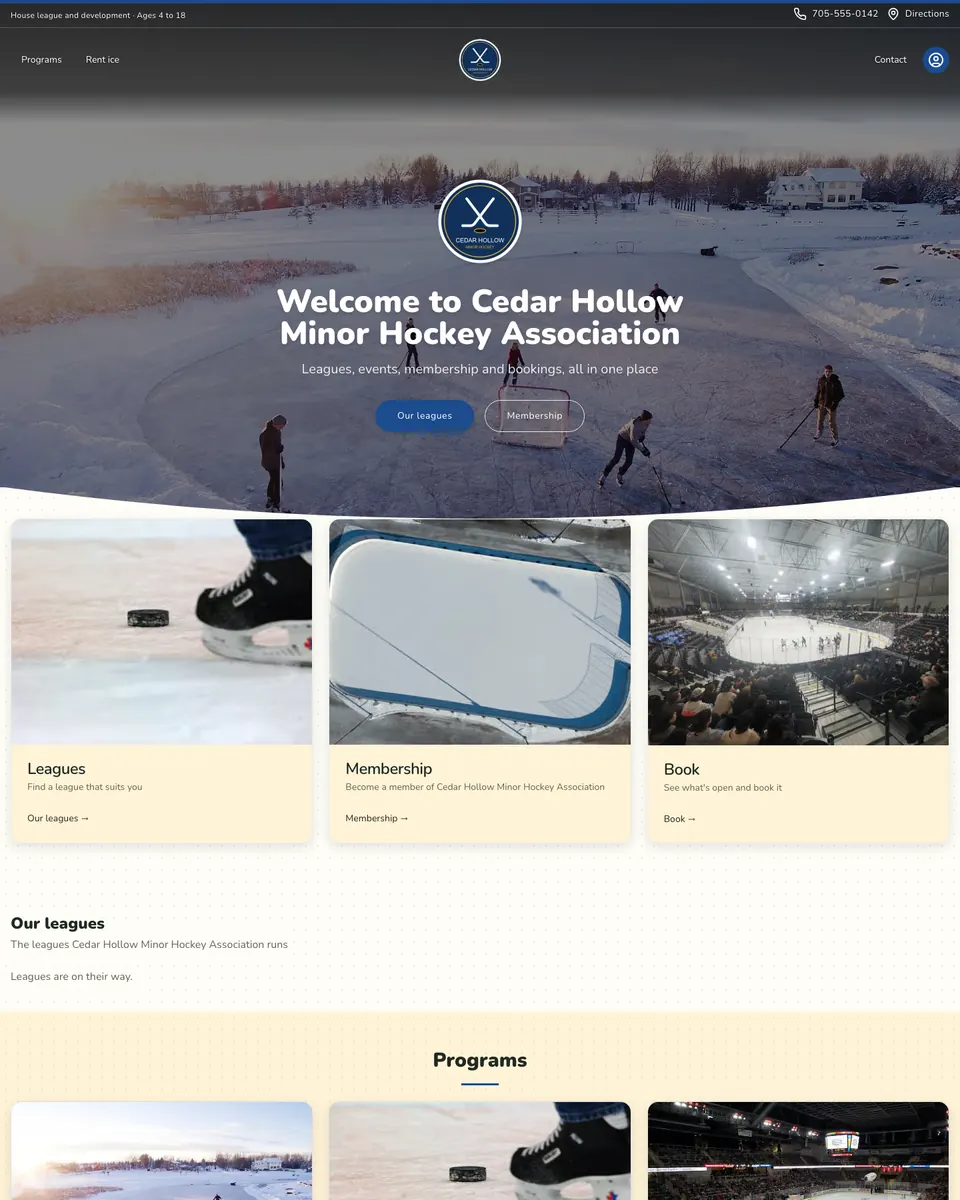
Clubhouse
Bold and friendly for families: chunky headings, rounded everything, a scalloped banner edge.
Shown on a minor hockey association.
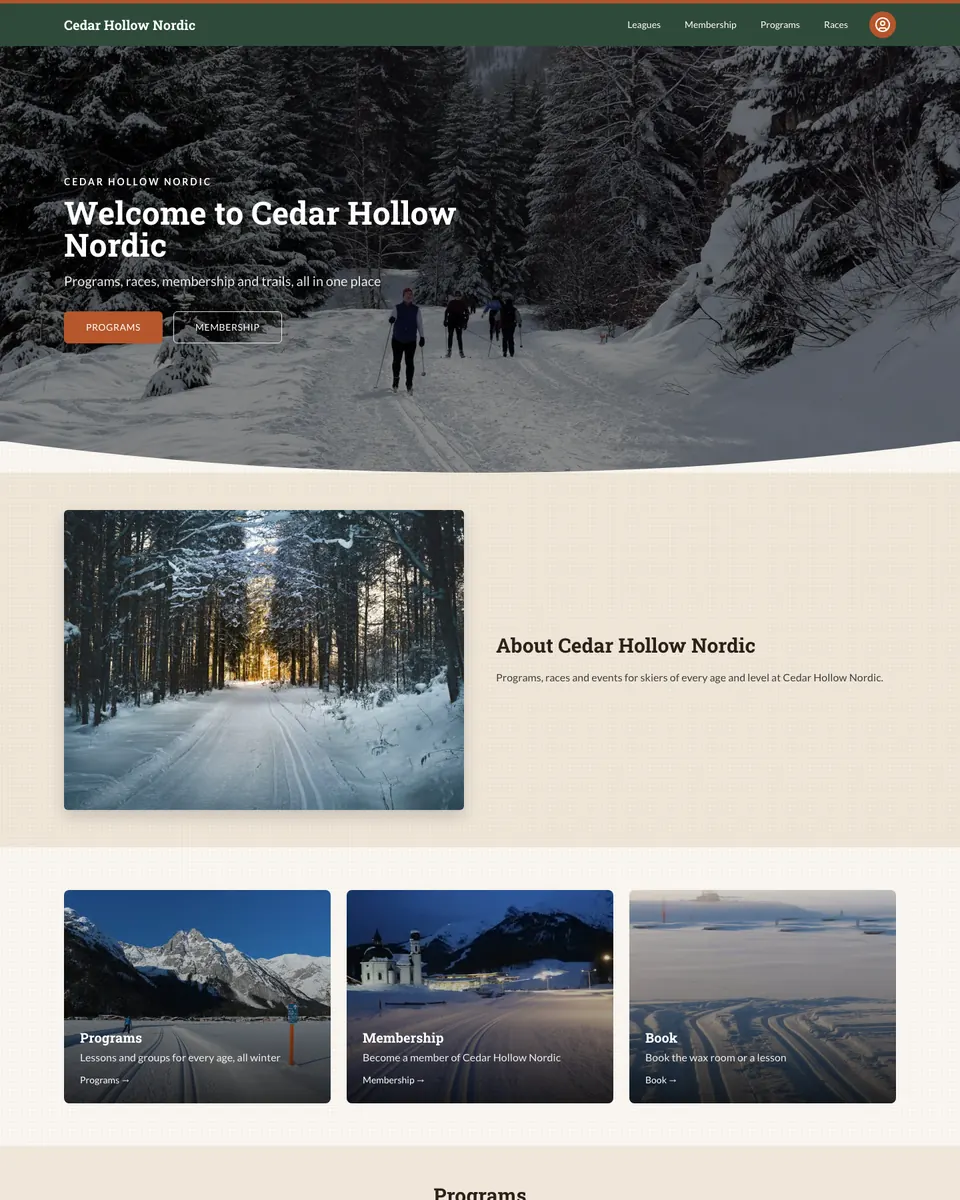
Lodge
Warm and earthy: slab headings, rust accents and a dark footer, like a ski lodge.
Shown on a Nordic ski club.
See it live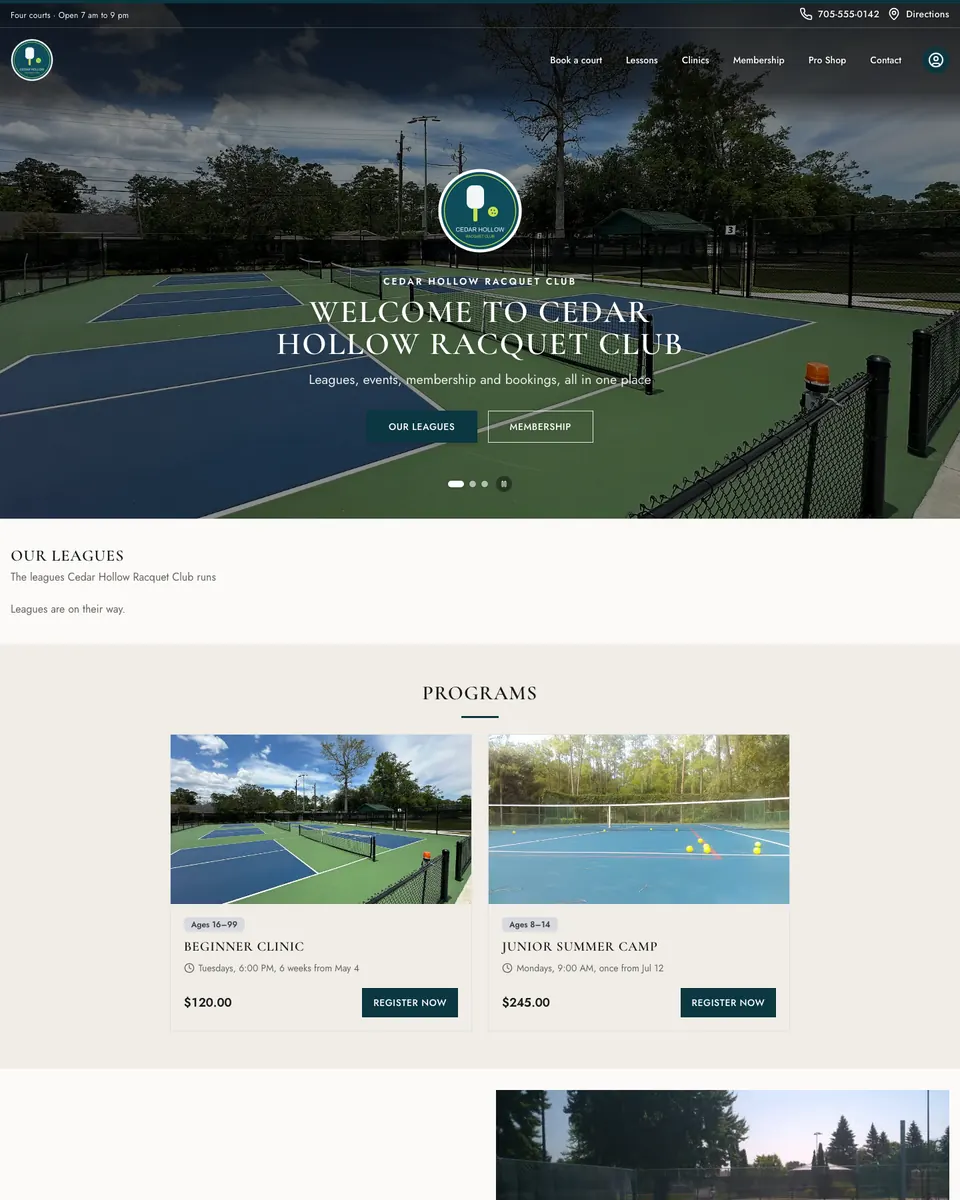
Timber
Dark and elegant: fine serif capitals, square corners, dark header and footer.
Shown on a racquet club.
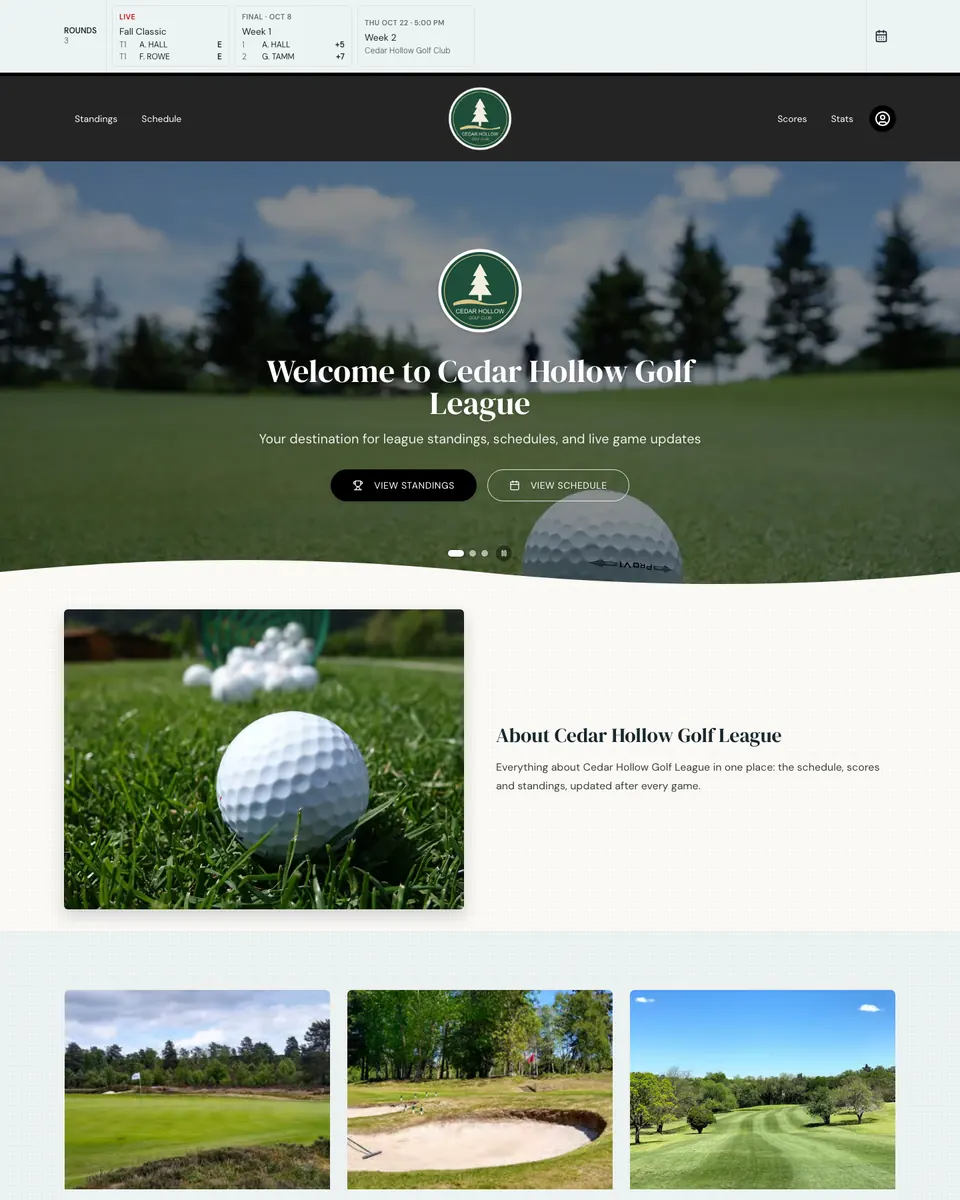
Coastline
Airy and premium: soft colours, headings between fine lines, a light paper feel.
Shown on a golf league.
How it works
- Step 1
Pick a theme
It's at the top of Content, Global. Fonts, colours, buttons, header and footer all change at once.
- Step 2
Start a home page
One click builds a home page for the theme, with pictures of your sport. Change anything you like.
- Step 3
Publish when it looks right
Preview it first. Not sure? Undo puts back the look and the home page you had.